Conocer, BlinkAI – AI Content Generator: Text, Image, Video, Voice & Code
Correo electrónico de seguimiento
One platform to generate all AI contents


AI Correo electrónico de seguimiento
Crear un seguimiento profesional por correo electrónico con unos pocos clics
Blink AI's Correo electrónico de seguimiento
Crear un seguimiento profesional por correo electrónico con unos pocos clics
Select Company
Select Product / Service
Idioma
Nombre de su empresa/producto
Siguiendo después (comma seperated)
Describa su producto o empresa
Modelo de IA
Creatividad
Tono de voz
Número de resultados
Estimated Result Length
About Correo electrónico de seguimiento
Creating professional email follow-ups efficiently can significantly improve response rates and engagement. Here’s how to streamline the process using a few clicks: Utilize Email Templates Automated Follow-Up Sequences A/B Testing for Optimization Integration with CRM Systems Personalized Outreach Analytics and Reporting By leveraging automated tools and templates, integrating with CRM systems, and optimizing through A/B testing and analytics, you can create professional email follow-ups efficiently with just a few clicks. This approach not only saves time but also enhances the effectiveness of your communication efforts, leading to improved engagement and stronger relationships with your contacts.How to Create Professional Email Follow-Ups with Ease
Example Workflow:
Steps for AI Writing
Start Writing Content in 3 Easy Steps
1
Paso 1
AI Writer Section
Go to AI Writer section and select a template
2
Paso 2
Details
Provide brief details about your requirement
3
Paso 3
Generate
Generate, amend and save content
Discover AI Writer
How To Use Blink AI's AI Writer for Content Creation
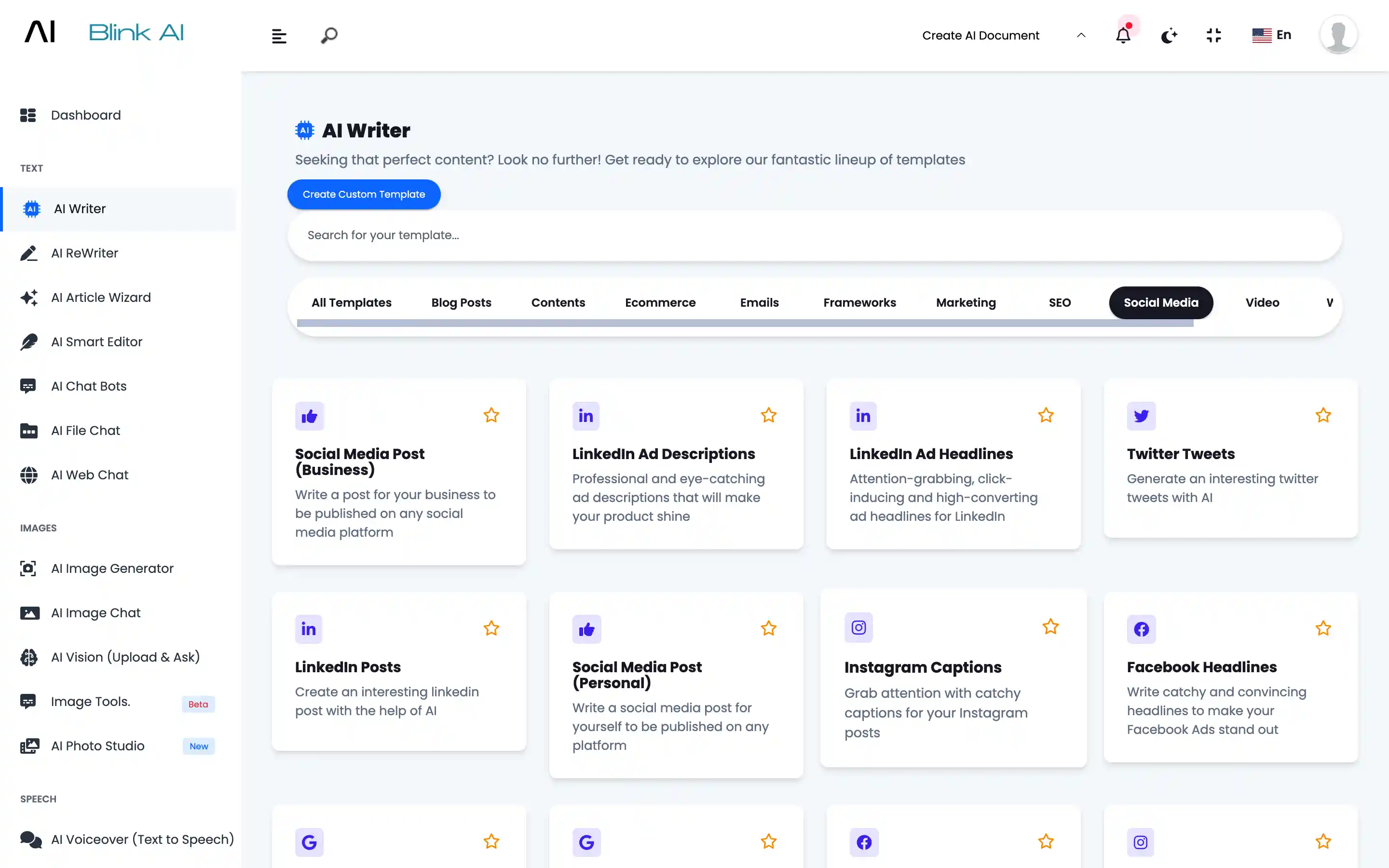
Go to AI Writer Section
Choose from 70+ AI Writing Templates or Create your Own Template
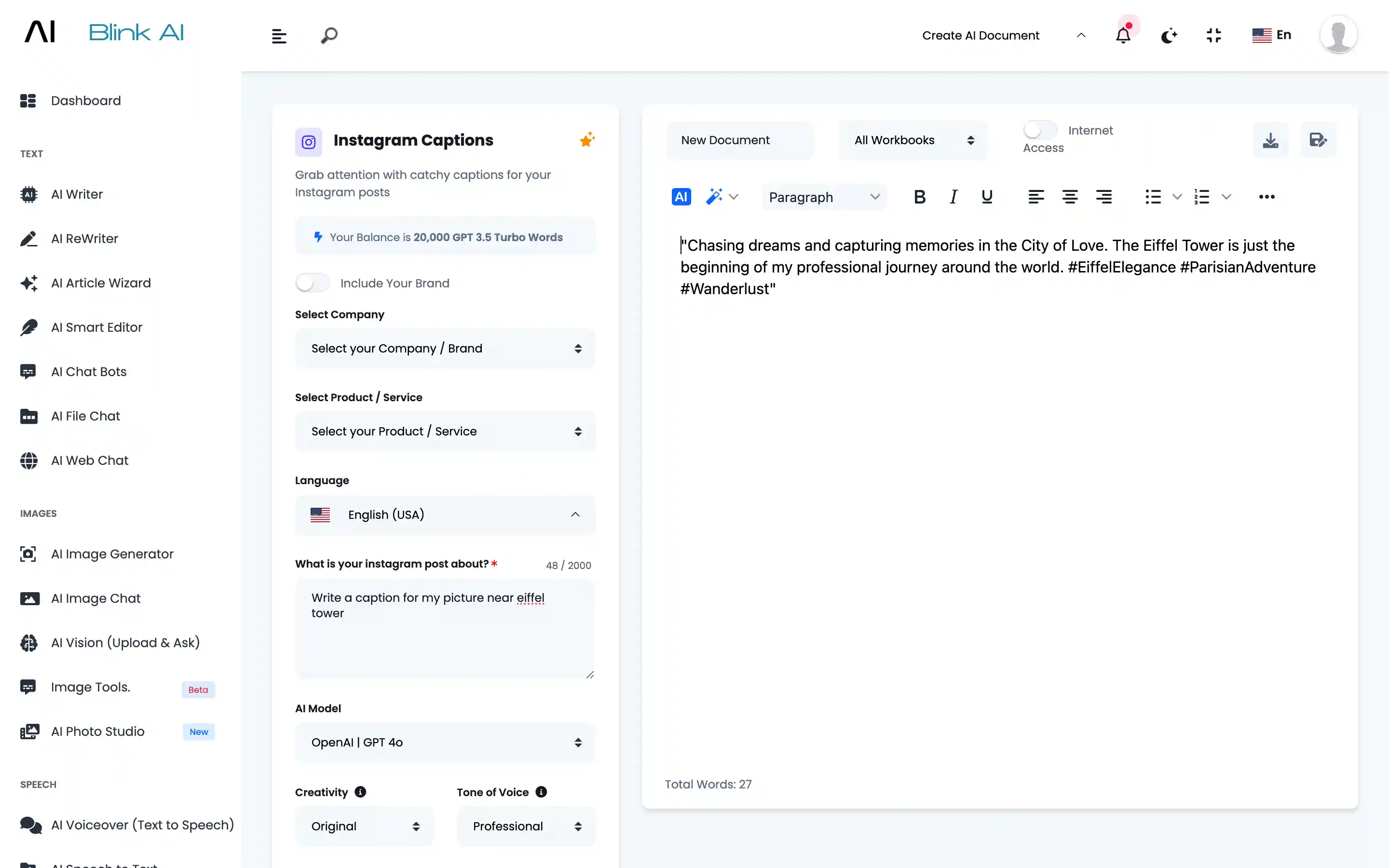
Describe
You can provide details like what is the exact requirement. How many outputs you want. Which AI model you want to use.
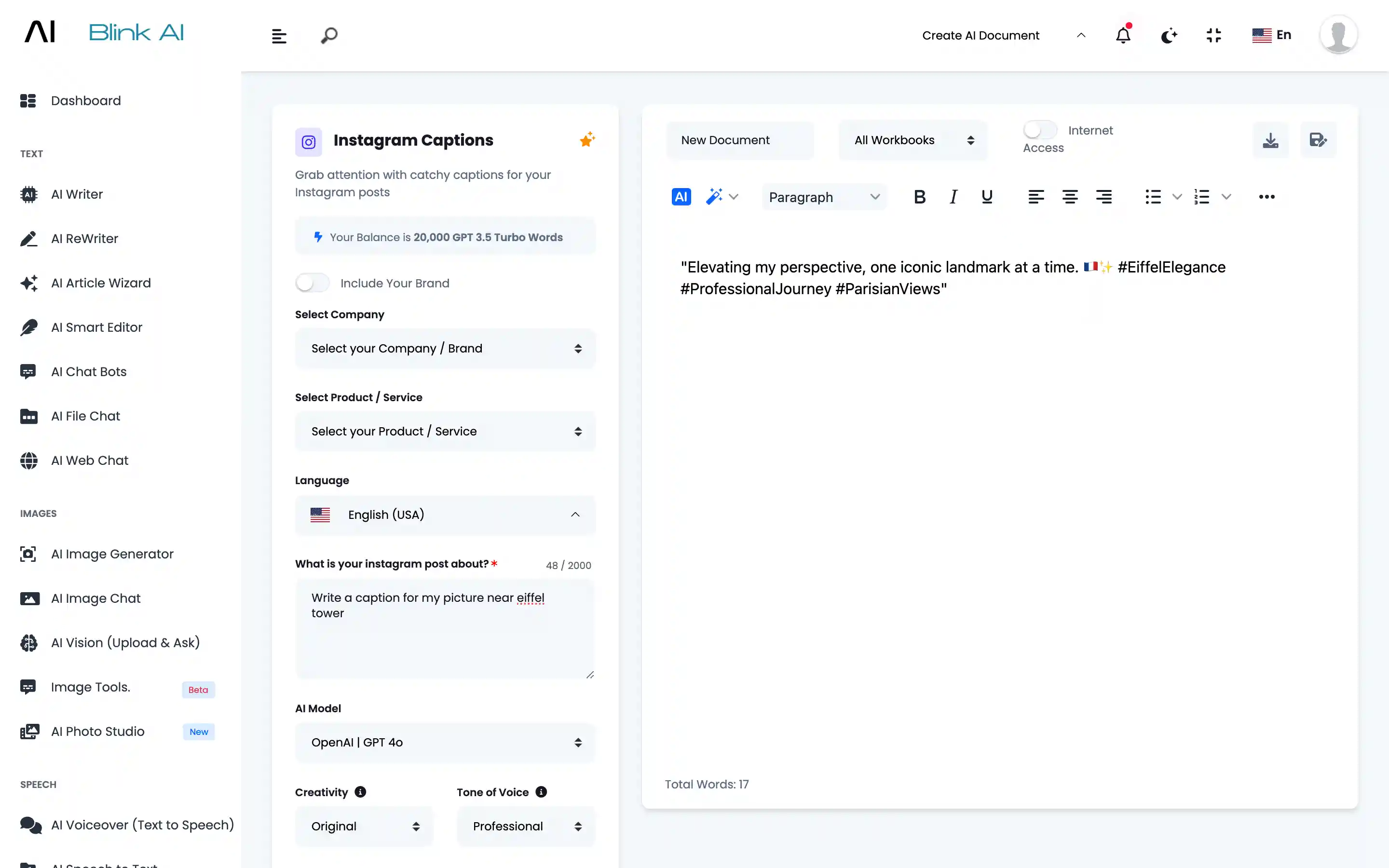
Generate
Content will be generated based on your input.
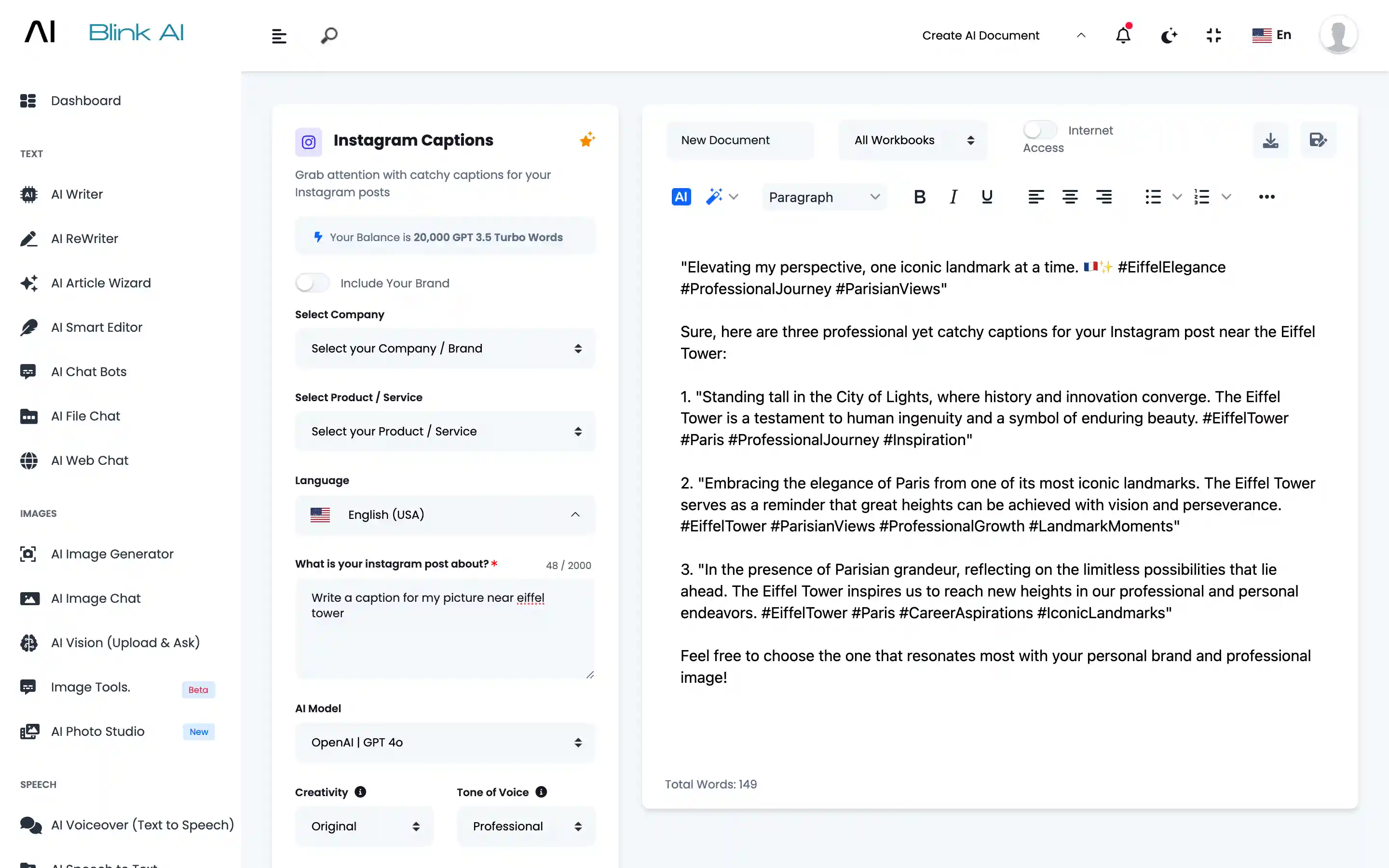
Amend
Select the content you want to amend. Click on the Magic Wand to amend Generated Content.
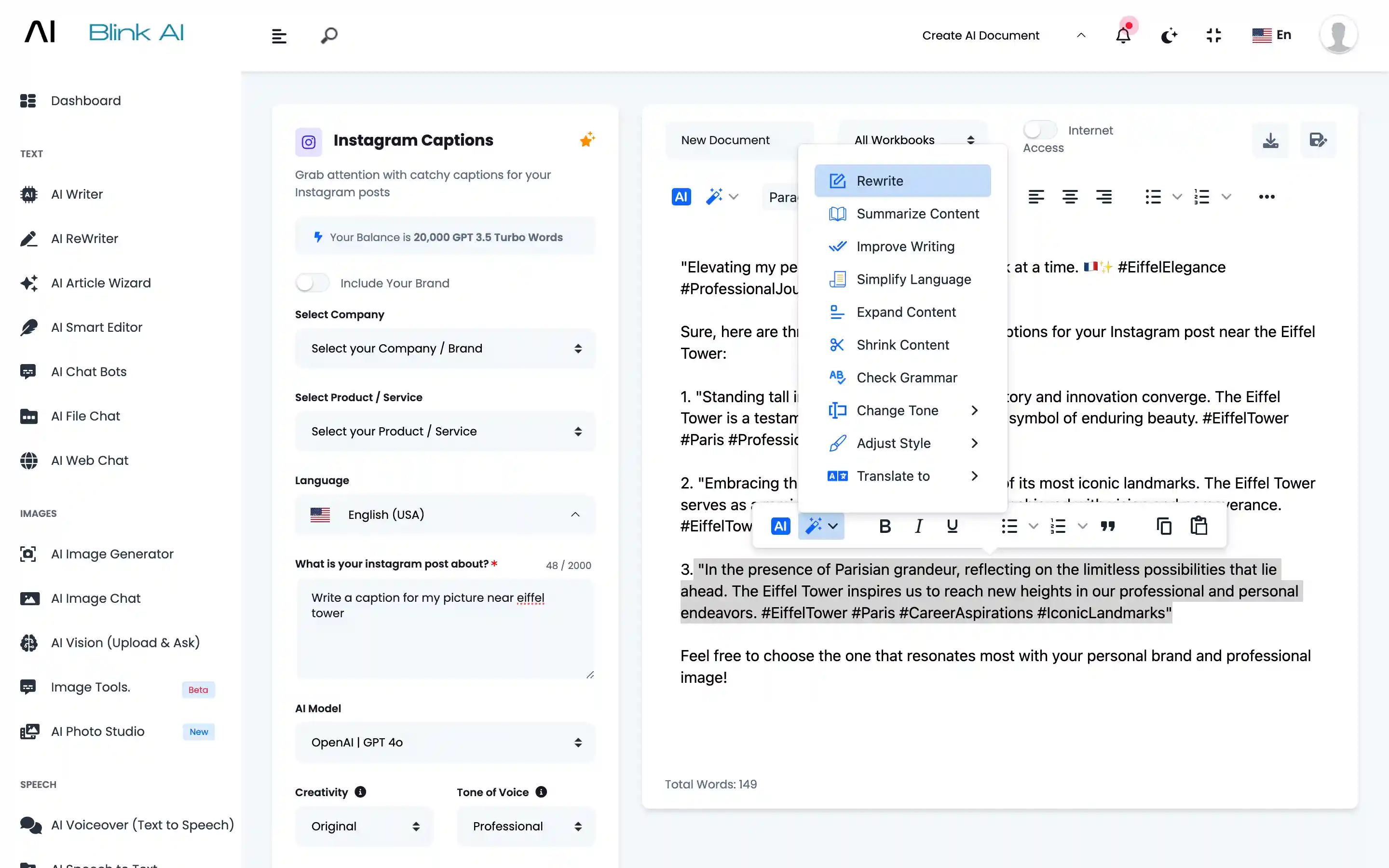
Fresh Output
Fresh output will be generated. You can save it in Workbooks.