Conocer, BlinkAI – AI Content Generator: Text, Image, Video, Voice & Code
Notificaciones de aplicaciones y SMS
One platform to generate all AI contents


AI Notificaciones de aplicaciones y SMS
Mensajes de notificación para sus aplicaciones, sitios web y dispositivos móviles que captan la atención de los usuarios
Blink AI's Notificaciones de aplicaciones y SMS
Mensajes de notificación para sus aplicaciones, sitios web y dispositivos móviles que captan la atención de los usuarios
Select Company
Select Product / Service
Idioma
Descripción de la notificación
Modelo de IA
Creatividad
Tono de voz
Número de resultados
Estimated Result Length
About Notificaciones de aplicaciones y SMS
Notification messages play a crucial role in engaging users and driving interaction with your apps, websites, and mobile devices. Crafting effective notifications requires attention to detail, clarity, and relevance to ensure they capture users’ attention amidst the digital noise. Here’s a guide on how to write notification messages that effectively grab users' attention: Purpose Clarity: Clearly communicate why the user is receiving the notification. Whether it’s a new feature update, a special offer, or a reminder, clarity avoids confusion and enhances engagement. Brevity: Keep notifications short and to the point. Use concise language that conveys the message efficiently without overwhelming the user. Call to Action: Incorporate actionable verbs to prompt users to take specific actions. For example, "Explore now," "Learn more," "Shop the sale," or "Update your preferences." Sense of Urgency: Create a sense of urgency when applicable. Phrases like "Limited time offer," "Act now," or "Last chance" can motivate immediate action. Formatting: Use bullet points, emojis (sparingly), and formatting techniques to make notifications visually appealing and easy to scan quickly. Consistent Tone: Maintain a consistent tone of voice and brand personality across all notifications to reinforce brand identity and familiarity. Relevance: Ensure notifications are timely and relevant to the user’s context or behavior. Use user data and behavior analytics to send notifications at optimal times. Avoid Overloading: Limit the frequency of notifications to avoid overwhelming users. Tailor notifications based on user preferences and behavior to enhance relevance. A/B Testing: Experiment with different notification styles, tones, and formats through A/B testing. Analyze performance metrics such as open rates and click-through rates to optimize future notifications. User Feedback: Solicit feedback from users to understand their preferences and adjust notification strategies accordingly. New Feature Update: "Discover our latest feature update! Explore enhanced navigation tools now." Special Offer: "Flash sale alert! Shop now and enjoy 20% off all products." Reminder: "Don’t forget to complete your profile to unlock personalized recommendations!" Writing compelling notification messages requires a strategic approach that balances clarity, relevance, and user engagement. By implementing these tips and best practices, you can create notification messages that not only grab users' attention but also enhance their overall experience with your apps, websites, and mobile devices. Continuously refine your notification strategies based on user feedback and analytics to maximize effectiveness and drive meaningful interactions.How to Write Notification Messages that Grab Users' Attention
1. Be Clear and Concise
2. Use Actionable Language
3. Personalize When Possible
4. Highlight Value and Benefit
5. Emphasize Clarity and Readability
6. Timing and Relevance
7. Test and Iterate
Examples of Effective Notification Messages:
Conclusion
Steps for AI Writing
Start Writing Content in 3 Easy Steps
1
Paso 1
AI Writer Section
Go to AI Writer section and select a template
2
Paso 2
Details
Provide brief details about your requirement
3
Paso 3
Generate
Generate, amend and save content
Discover AI Writer
How To Use Blink AI's AI Writer for Content Creation
Go to AI Writer Section
Choose from 70+ AI Writing Templates or Create your Own Template
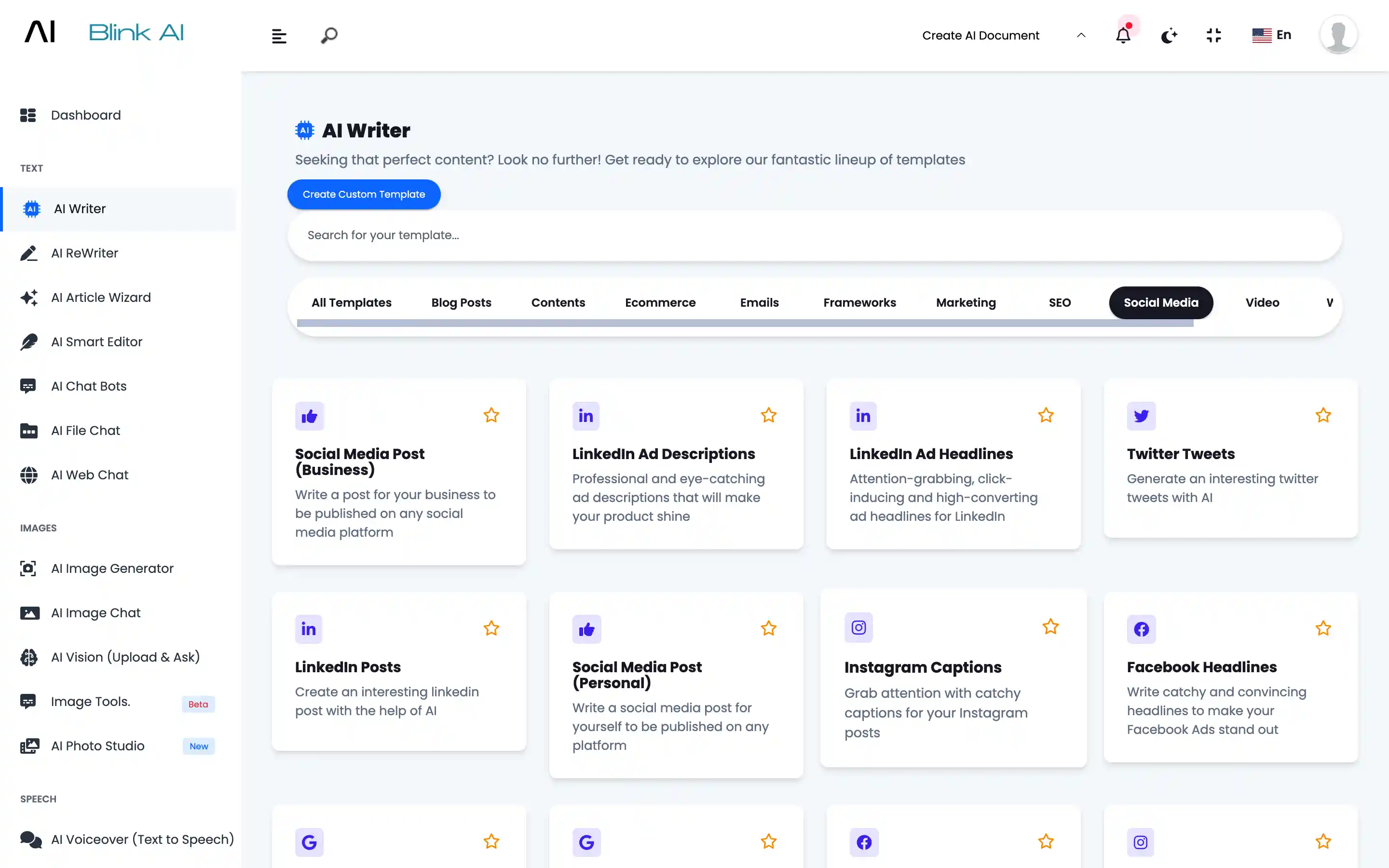
Describe
You can provide details like what is the exact requirement. How many outputs you want. Which AI model you want to use.
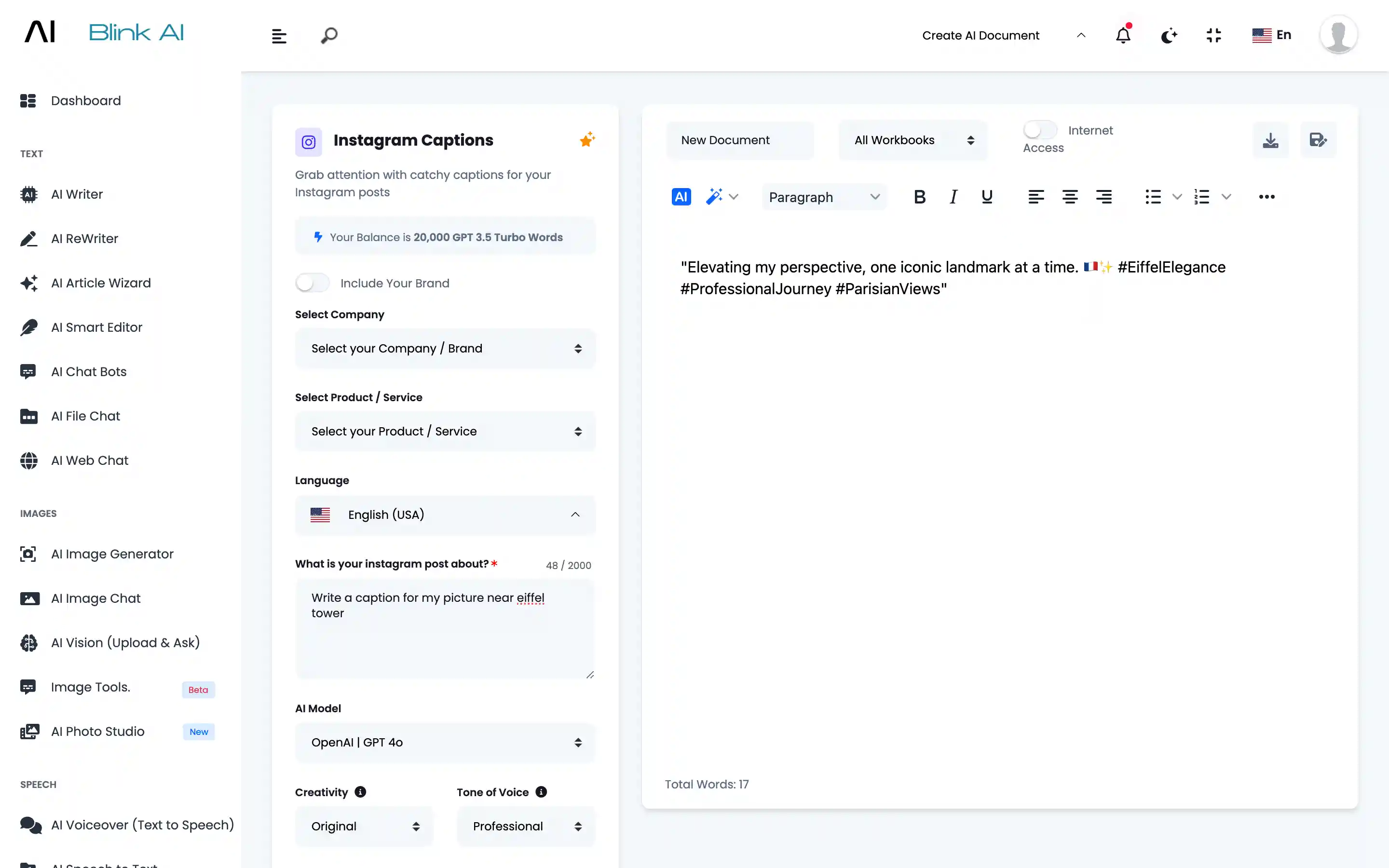
Generate
Content will be generated based on your input.
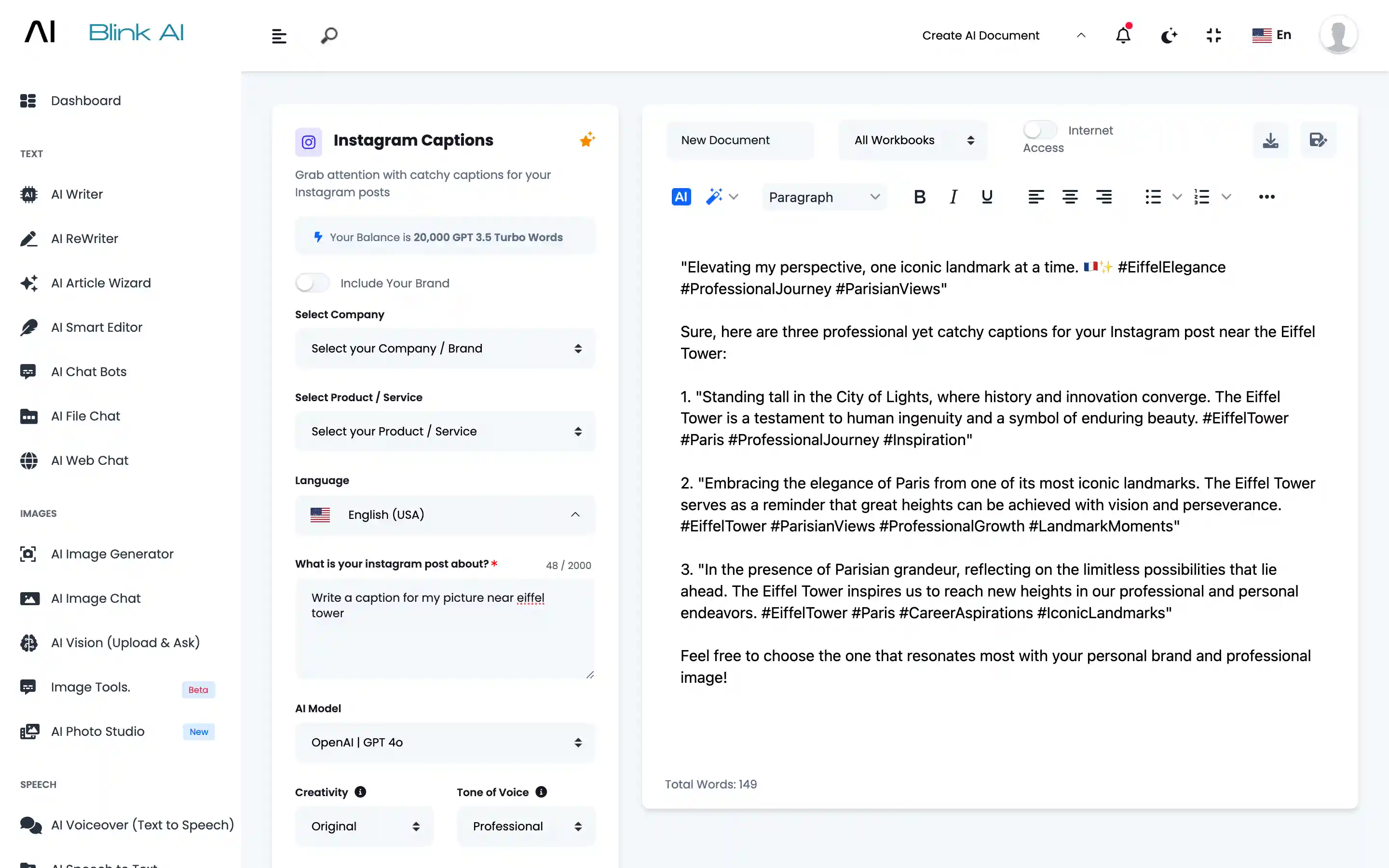
Amend
Select the content you want to amend. Click on the Magic Wand to amend Generated Content.
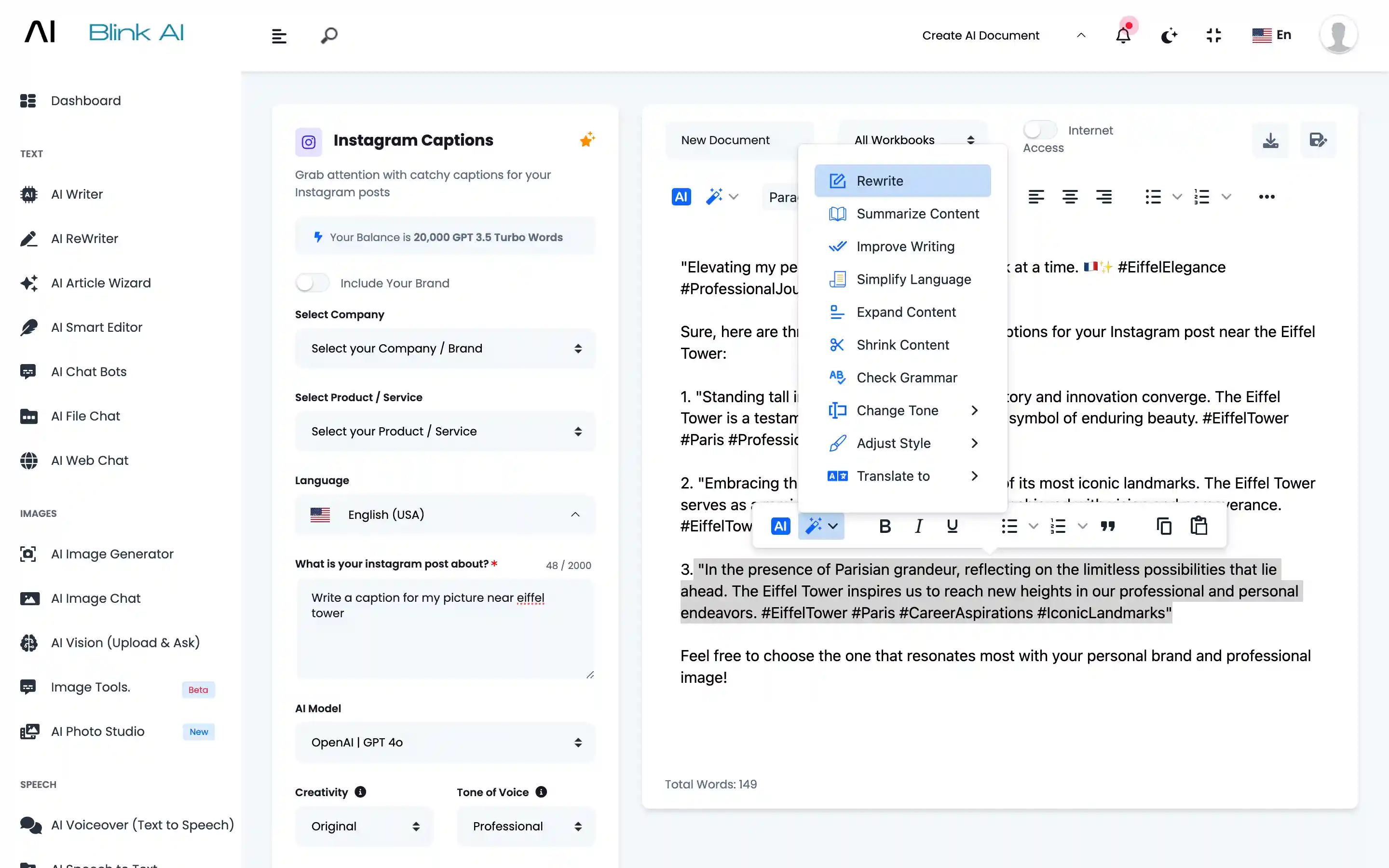
Fresh Output
Fresh output will be generated. You can save it in Workbooks.